Page Hero Block
SJWater Hub
Block Group
Image Block
Spacer - Extra Small
Two Column Layout Block
Text Block - Normal - Left
SJWaterHUB has launched!
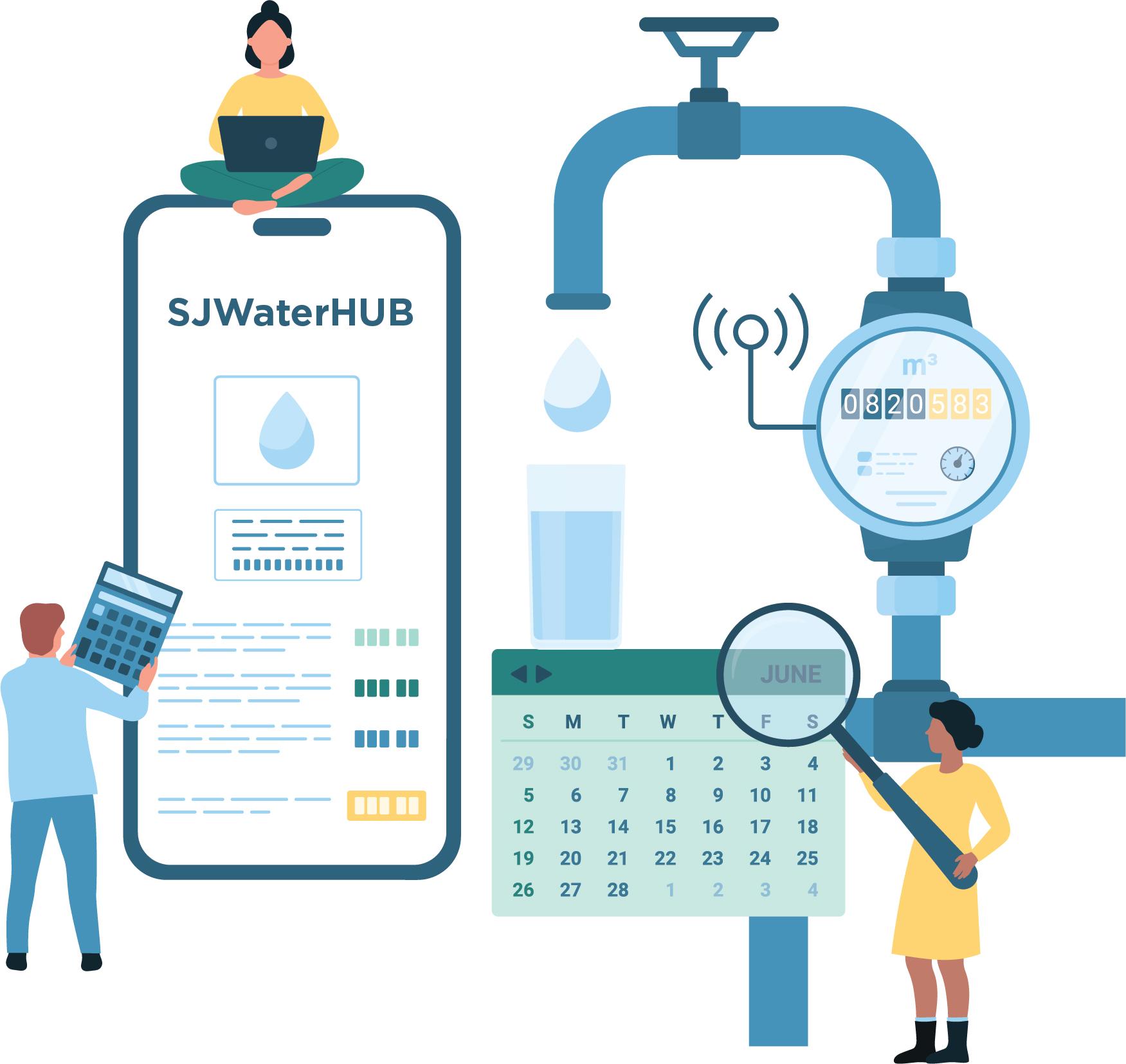
Use SJWaterHUB to pay your bill, track your water usage and manage your accounts — all in one spot.
- Better account management and bill payment tools
And once your smart meter is installed:
- Access your daily water data
- Set alerts for unplanned water use
- Sign up for notifications indicating a possible leak
Image Block
Text Block - Normal - Left
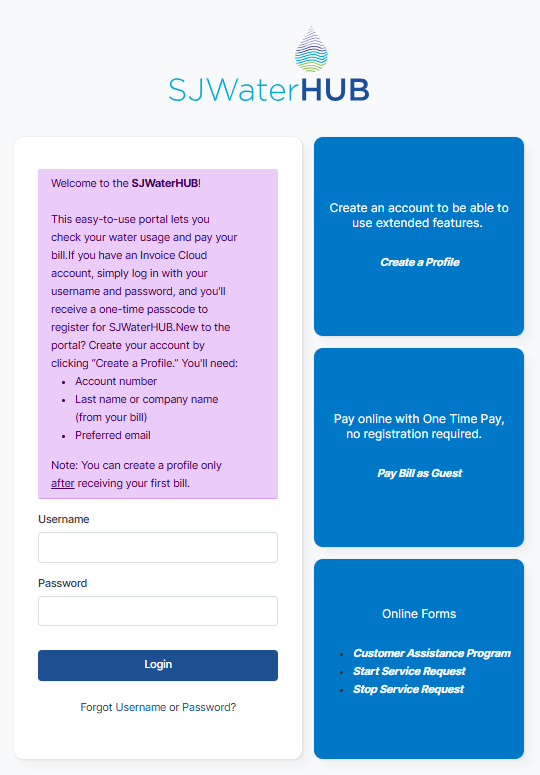
New Login Page
FAQ Accordion
FAQs
- Register and log into SJWaterHUB to pay your water bill.
- You’ll need a username and password.
- Customers who currently pay their bill online will now need to pay their bill through SJWaterHUB. New users will need to create a profile. Existing users can continue to use current usernames and passwords. Everyone will need to register and use SJWaterHUB to pay and view bills online.
- No – you’ll go to sjwaterHUB.com.
- Follow the steps below.
If you’ve been using Invoice Cloud:
- Go to sjwaterHUB.com.
- Enter your Invoice Cloud Username and Password, then Log In.
- The Forgot Password box will appear (this only happens the first time you log into SJWaterHUB). Click OK.
- Check your email for password reset instructions. You’ll need to enter a new password, then Submit.
- You will be redirected back to the SJWaterHUB login page.
- Enter your Username and NEW Password, then Log In.
Success! You should now be on the Account Summary page!
If you have NOT been using Invoice Cloud:
- Go to sjwaterHUB.com
- Click on Create a Profile.
- Enter all required information, then Submit.
- Check your email for email verification code.
- Enter the verification code, then Verify Code.
- Once the code is verified, the registration is complete, then Go to Account Login.
- This takes you back to the SJWaterHUB login page.
- Enter your Username and Password, then Login.
Success! You should now be on the Account Summary page!
Spacer - Extra Small
Block Group
Two Column Layout Block
Text Block - Normal - Left
Smart Meters
Smart meters allow you to see how much water you use – from laundry to irrigation. Learn more about your water use, and when your meter will be installed here.
Text Block - Normal - Left
User Guide
If you need more help, we’ll have user guides with step-by-step instructions. Our helpful Customer Service team is also available at (408) 279-7900 or email us at: customer.service@sjwater.com.
Spacer - Extra Small
Spacer - Extra Small
Text Block - Normal - Left
Helpful Videos
One Third/One Third/One Third Layout Block
Text Block - Normal - Left
New to SJWaterHUB?
Text Block - Normal - Left
Already have an online account with Invoice Cloud?
Text Block - Normal - Left
Link an Account to Your Profile
Spacer - Medium